An app can read a number aloud and still leave you unable to tell which number it is, or unable to review a file before it leaves your phone. For an iPhone oximeter app, ask for a demonstration with sample data. Keep the app build, iOS version, phone model and exact oximeter variant with the result. A different build or phone is a new check, not a confirmed match.
Follow one sample record from screen to file
Apple’s App Store accessibility-label guide asks developers to evaluate common tasks for each device, including first launch and the app’s main functions. Treat a VoiceOver label as a starting point for asking about the tasks you need, not a record of your demonstration.
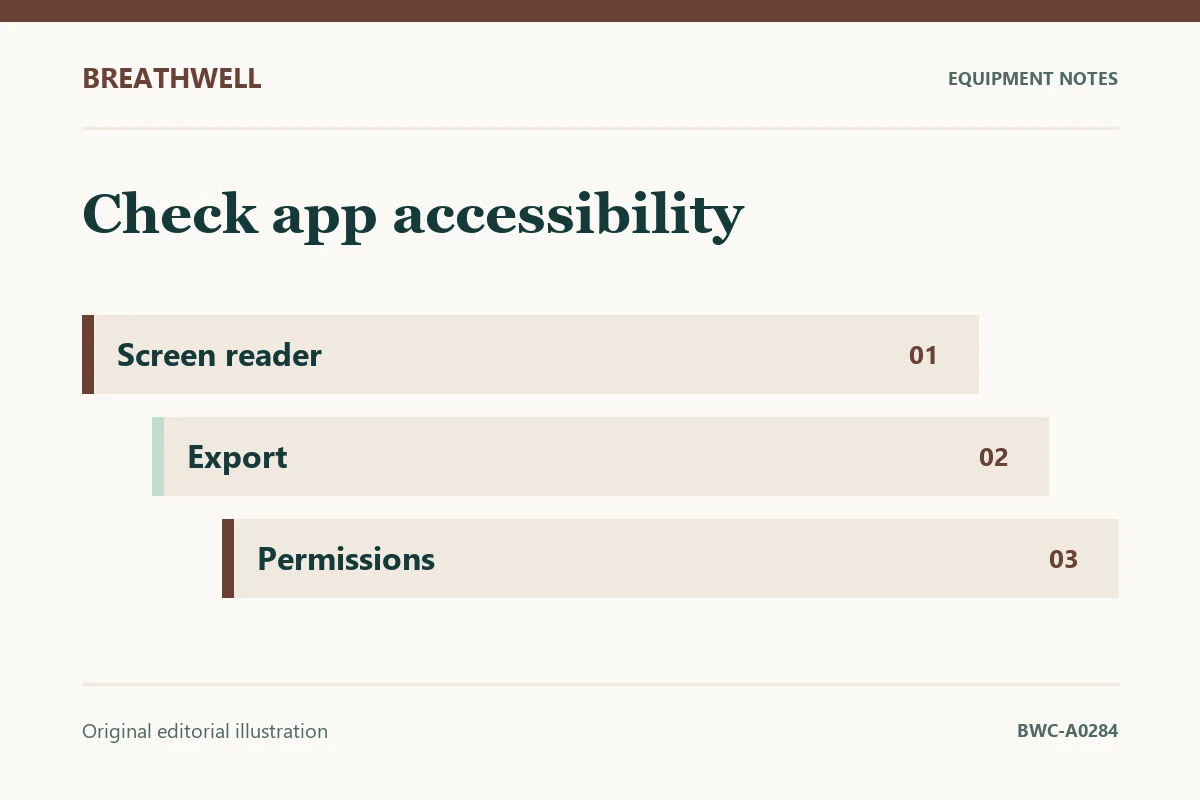
- Read the sample record
- Does VoiceOver identify each value as oxygen saturation or pulse, give the unit and identify the time if shown? Record the exact words it speaks and any task where the demonstrator had to look at the screen.
- Review the export before sending
- Ask to see the file type, column labels, date range and any identifiers in the filename, subject or attachment. Is the preview readable with the same screen reader? Can the demonstrator stop before anything is sent? No real record or recipient is needed.
- Account for permissions
- For each prompt the demo shows, record its wording, the task that triggered it and the developer’s explanation of what is unavailable if access is declined. Leave an unexplained permission open rather than inferring what the app collects or shares.
What one guide documents and what it leaves open
The NoninConnect guide for the WristOx2 Model 3150 shows a Bluetooth request in its first-launch walkthrough and an email draft with a CSV attachment and a device serial number in the example subject. That is evidence about the illustrated workflow, not confirmation that a particular build reads the draft aloud, that it behaves the same when access is declined, or that other apps use this export route. On the worksheet, write “CSV and serial in the example subject: documented; VoiceOver review of the draft: not shown.” Keep those two states separate.
Sources and review: This is a software demonstration worksheet, not a test of any app, its privacy practices or the accuracy of an oximeter. Not yet medically reviewed.