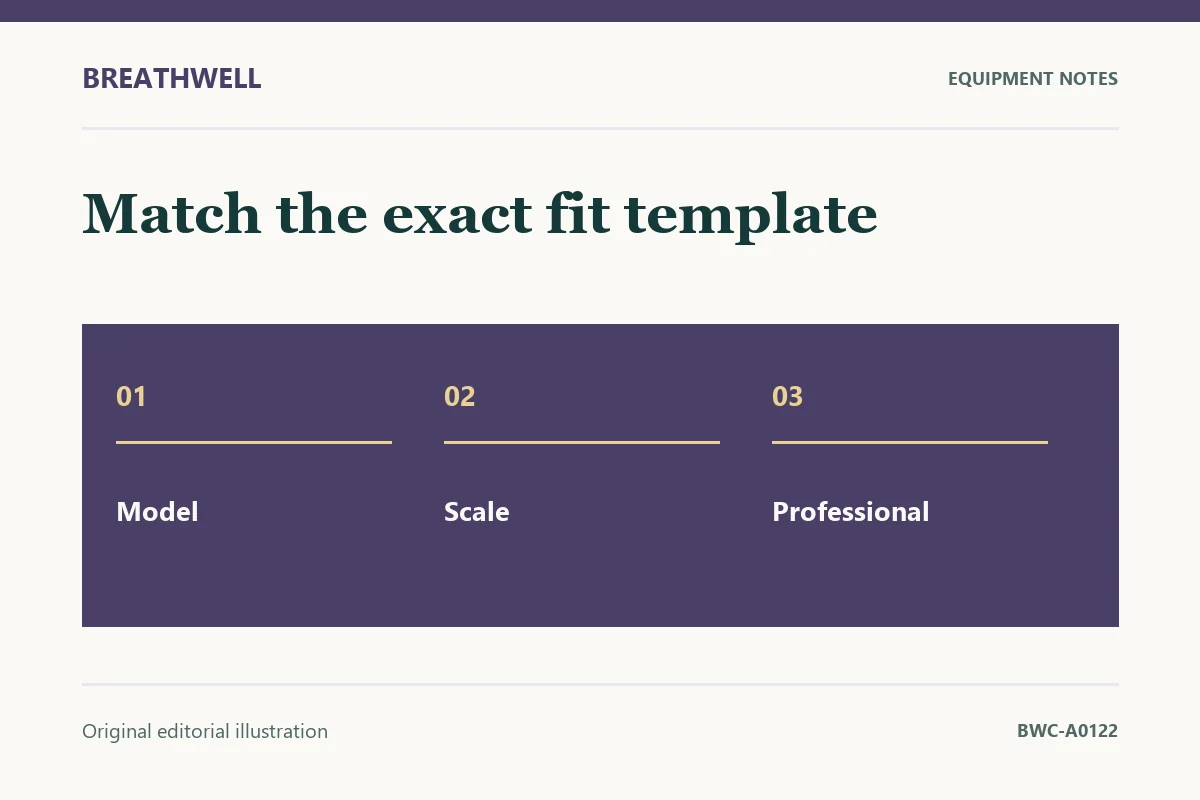
A mask-sizing printout can have the right name and still be the wrong size on paper. Check the model, document revision and scale separately. This example uses the ResMed AirFit F40 for a US reader. It checks the paper, not your face or which mask or cushion to choose.
Find the document that matches the exact name
ResMed’s US AirFit F40 product page lists the fitting guide separately from the user guide. Its fitting link names the same file as the manufacturer’s metric template. The template names AirFit F40 and shows footer code 1036419/1, dated 2024-02. Copy the name and code from the document, not a download label such as mask chart. If the name or revision is missing, ask the supplier to confirm the file rather than relying on a cropped copy.
Check paper scale without measuring your face
The F40 template’s scale-check ruler is printed separately from the cushion diagram. Compare the distance between two labeled marks with a physical ruler. Fictional print check: The 20 mm and 120 mm marks should be 100 mm apart. If the paper measures 93 mm between them, the model name can be right and the print scale still wrong. A crop with no ruler leaves this check unconfirmed.
Keep the three checks separate
Model name on the template: ___. Document code, date and manufacturer link: ___. Printed marks checked, expected distance and measured distance: ___. Ask the supplier to confirm anything that is unclear before relying on the sheet.
The Americas AirFit F40 user guide warns that sizing can differ across masks. Its labeling, including the contraindications, is a separate read. A document and scale match is not fit confirmation or permission to use the mask.
Source note: We compared manufacturer documents only. No printout, equipment or fit was tested.